

Know Your Numbers |Pricing & Profit Workbook|Digital Download
Know Your Numbers |Pricing & Profit Workbook|Digital Download
Couldn't load pickup availability
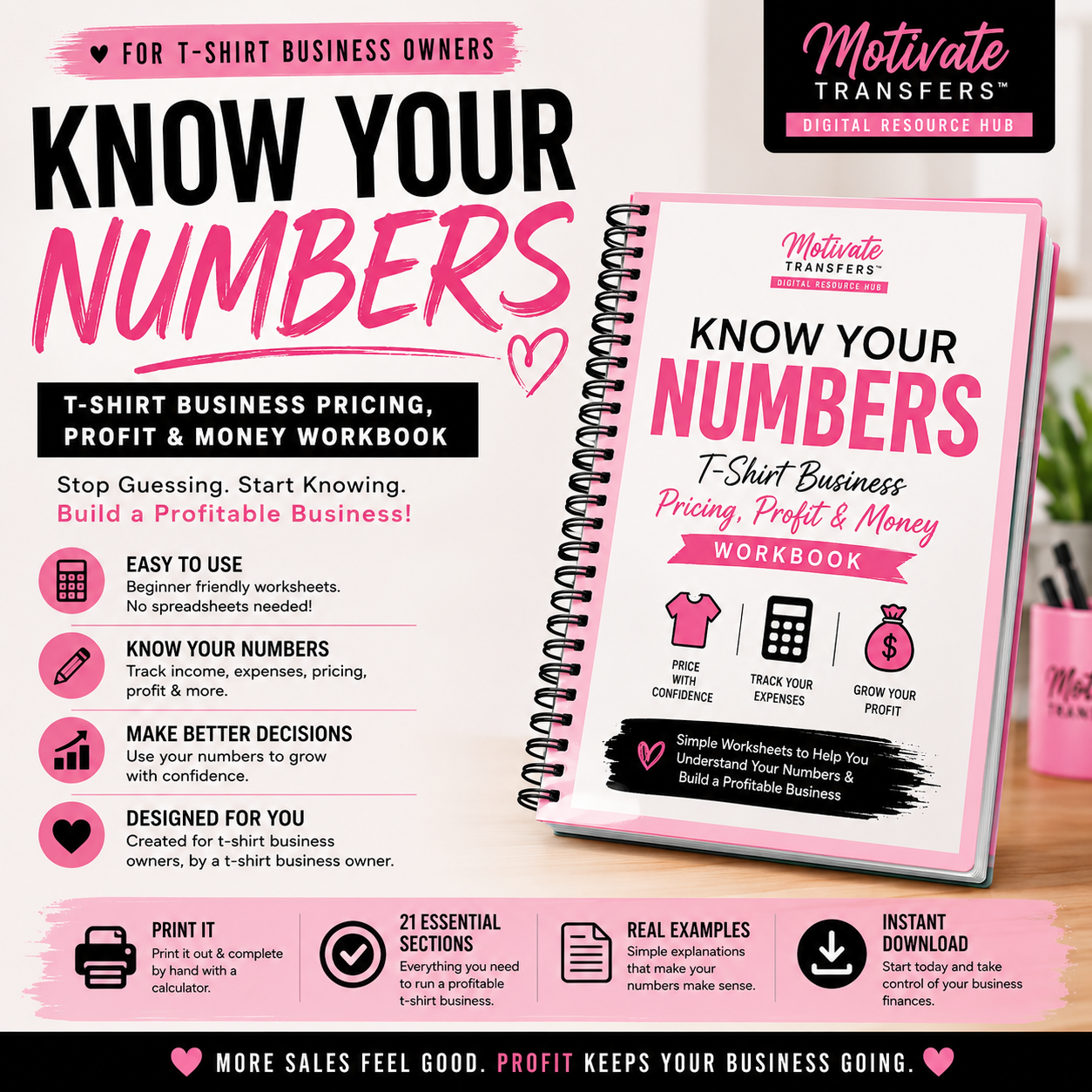
Making sales is great do you know what you're actually making?
This beginner-friendly workbook helps T-shirt business owners understand their pricing, expenses, product costs and estimated profit without complicated spreadsheets.
Inside You'll Work Through:
✓ True cost per shirt
✓ Pricing & profit checks
✓ Labor, shipping & business expenses
✓ Custom & bulk order pricing
✓ Discounts & inventory
✓ Weekly & monthly money tracking
✓ Sales and profit goals
✓ Monthly CEO money check-ins
✓ 21 value-packed sections + bonus worksheets
Perfect for beginners who want to stop guessing and start understanding their numbers.
⚠️ PLEASE READ BEFORE PURCHASING
This is a DIGITAL PRINTABLE WORKBOOK. No physical product will be shipped.
This is NOT an Excel calculator or spreadsheet. It is a workbook designed to be completed by hand. Printing the workbook is highly recommended so you can write in your numbers, complete the exercises and keep it for future reference.
Your digital file will be delivered electronically after purchase. If you don't see your email, please check your Spam, Junk or Promotions folder.
Digital sales are final.
Share
Collapsible content
What equipment do I need to use these transfers?
For best results, use a commercial heat press with HEAVY pressure. Screen print transfers require firm, even pressure to properly adhere.
Cricut EasyPress, Easy Mini, and household irons are not recommended, as they do not provide enough pressure.
If using an HTVRONT heat press, please make sure you are applying heavy pressure, as lighter pressure may cause adhesion issues.
Motivate Transfers is not responsible for adhesion issues resulting from improper equipment or user error.
Shipping & Refund Information
Please allow 1-5 business days for order processing for in stock transfers. We do not process orders on the weekends or holidays. Business days are counted as Monday - Friday only and the day of your order is not counted.
We ship via USPS
When your order has shipped, you will receive another email from me which will include a tracking number that you can use to check your order status and track your package.
Missing items or Defect to your item (Must meet all criteria)
Every order is carefully packed and double-checked by hand to ensure accuracy before shipping. If you believe an item is missing from your order, please contact us within 48 hours of delivery so we can review it right away.
Claims made after the 48-hour window cannot be guaranteed for replacement.
Please note: All sales are final. Because of the nature of our products, we’re unable to accept returns or issue refunds. Please inspect your order upon reception and contact us within 72 hours if the item is defective, damaged or if you receive the wrong item, so that we can evaluate the issue and make it right. You can always contact us with any questions at support@motivatetransfers.shop
Pressing Instructions
Screen print transfers can be pressed on 100% cotton, 100% polyester, and blended fabric.
Our screen print transfers will NOT work with household irons (including steam irons), Cricut EasyPress/EasyPress Mini, mini heat presses, or any HTV Ront press that does not allow full pressure control.
Pre-press your shirt for 3-5 seconds to get rid of moisture and wrinkles. Use a fabric roller to remove lint from your garment.
Always center your design 3–4 fingers from the collar — it’s the sweet spot for a polished, professional look.
Set your press to 325–350°F
Use HEAVY pressure (if it’s not sticking, add more!)
Press for 7-10 Seconds
Peel HOT — and don’t use any cover sheet (no Teflon!)
If a second press is needed after peeling, we recommend covering the design with parchment paper to protect the print.
DTF Pressing Instructions:
Temperature: 325°F
Pressure: Heavy Pressure
Time: 20 Seconds
Peel: Hot Peel
Pre-press garment for 5 seconds to remove moisture and wrinkles.
Place transfer on garment and press at 325°F for 20 seconds using heavy pressure.
Hot peel immediately after pressing.
Cover design with Teflon sheet or butcher paper and press again for 10–20 seconds for a softer finish and enhanced durability.
My go-to temperature is 350°F it works perfectly for me.
However, we recommend starting with a lower temperature and increasing only if needed. Heat presses can vary some run hotter than others or may have cold spots.
To ensure even results, test your press in different areas using a heat gun and practice with extra transfers to find your ideal “sweet spot.”
Disclaimer for New Users: All screen print transfers are delivered mirrored and may appear backward prior to application. This is standard. To apply correctly, place the design side (colored graphic side) face down on the garment and press with a heat press. If you’re unfamiliar with how screen print transfers work, we recommend reviewing tutorials or getting guidance before purchasing to ensure successful application.
Motivate Transfers is not responsible for operator or machine error when applying screen print transfers.
Ask A Question
Have a question? Tap the chat icon and we’ll get back to you as soon as possible!
📞 Reach us by phone Monday–Friday, 9AM–3PM EST: (202) 656-1711
📧 Email: support@motivatetransfers.shop